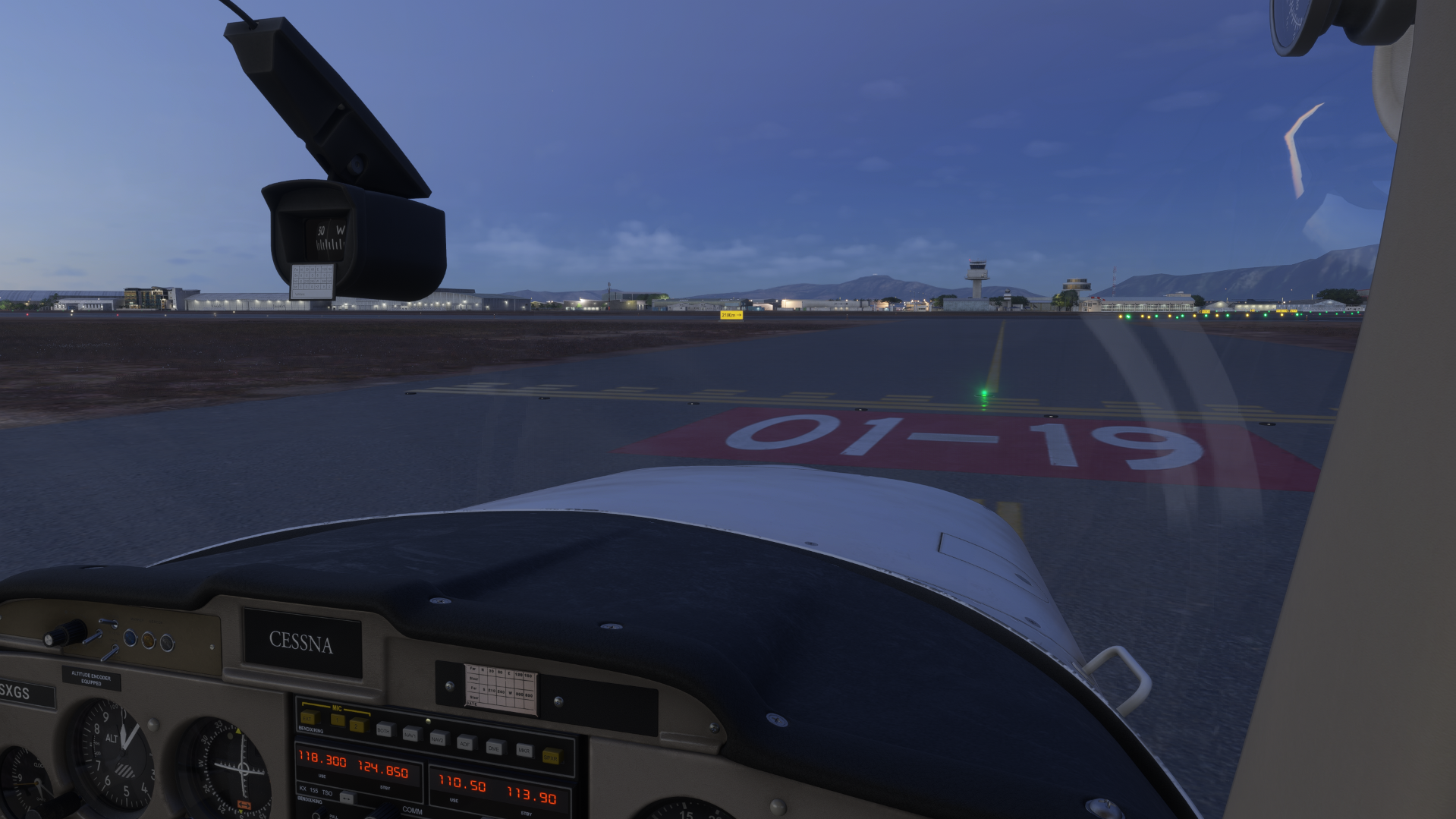
Usage
Understanding the lights
Red lights across a holding position. Pilots hold short at red. When you clear the bar it switches off.
Runway Status Lights (RWSL), driven automatically by live traffic:
- THL (Takeoff Hold Lights): red means the aircraft lined up must not start the takeoff roll.
- REL (Runway Entrance Lights): red means traffic must not enter or cross the runway.
These simulate A-SMGCS and help prevent runway incursions.
Claiming runways
- Only the responsible tower claims its own runways. Grounds do not claim runways.
- A runway can be claimed by one person at a time.
Controlling the lights
Click a stop bar in EuroScope to switch it on or off in the simulator.
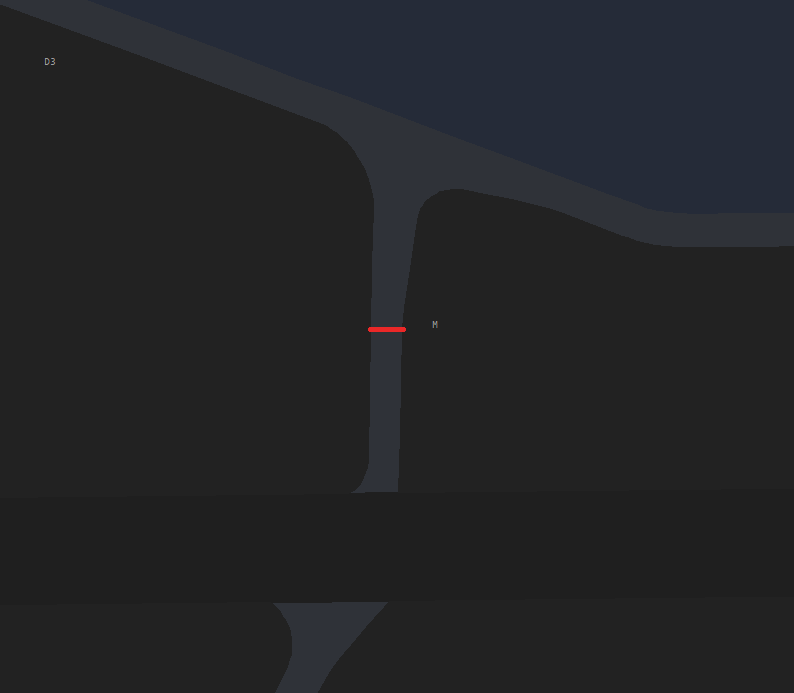
When you switch a bar off, a small window opens where you choose the lead-on lights.
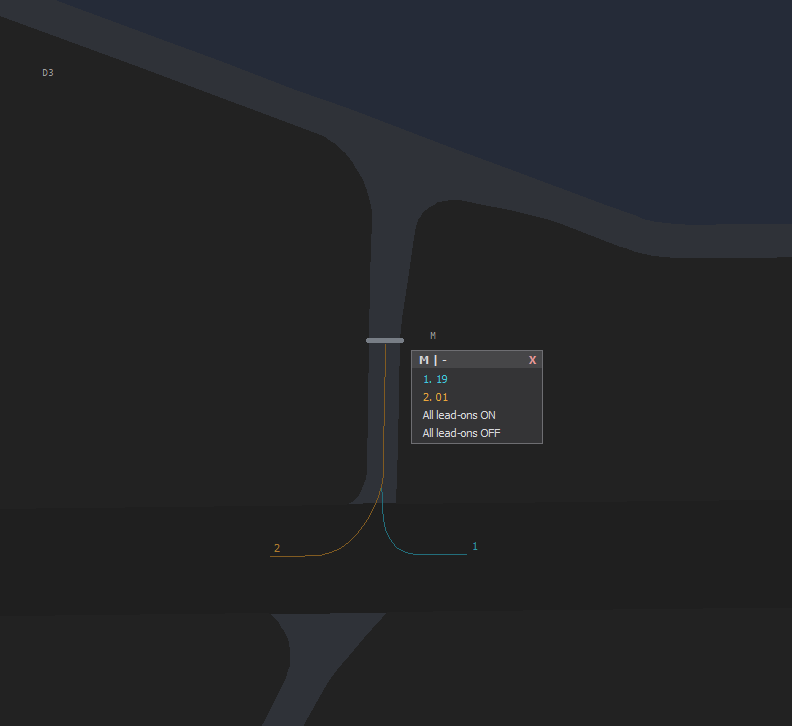
Pick a lead-on direction and it previews on your screen. The lead-on lights the green line that traffic follows onto the runway (line-up) or across it.
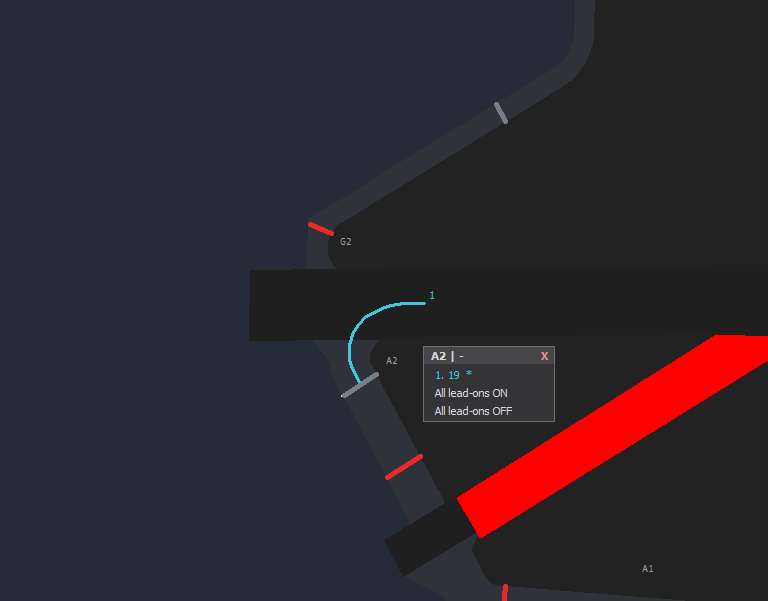
The pilot then sees the lit lead-on in the simulator:
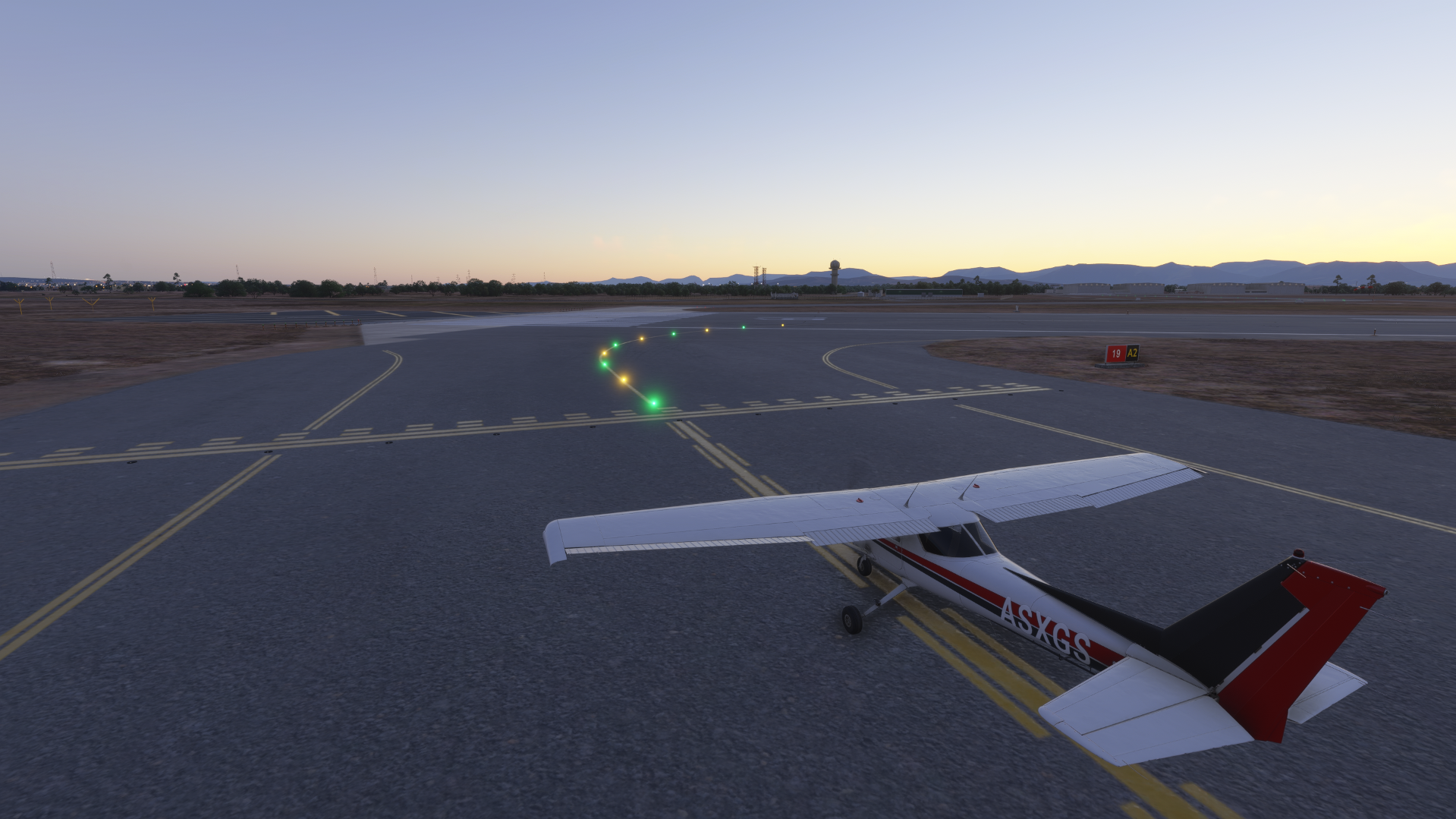
Lead-on options follow the real-world layout. A crossing, or a particular direction, only appears where real taxiway lines actually lead onto or across the runway. If it does not exist in real life, it is not offered.
REL and THL arm per runway and follow live traffic automatically.
What the pilot sees
Bar red: hold short.
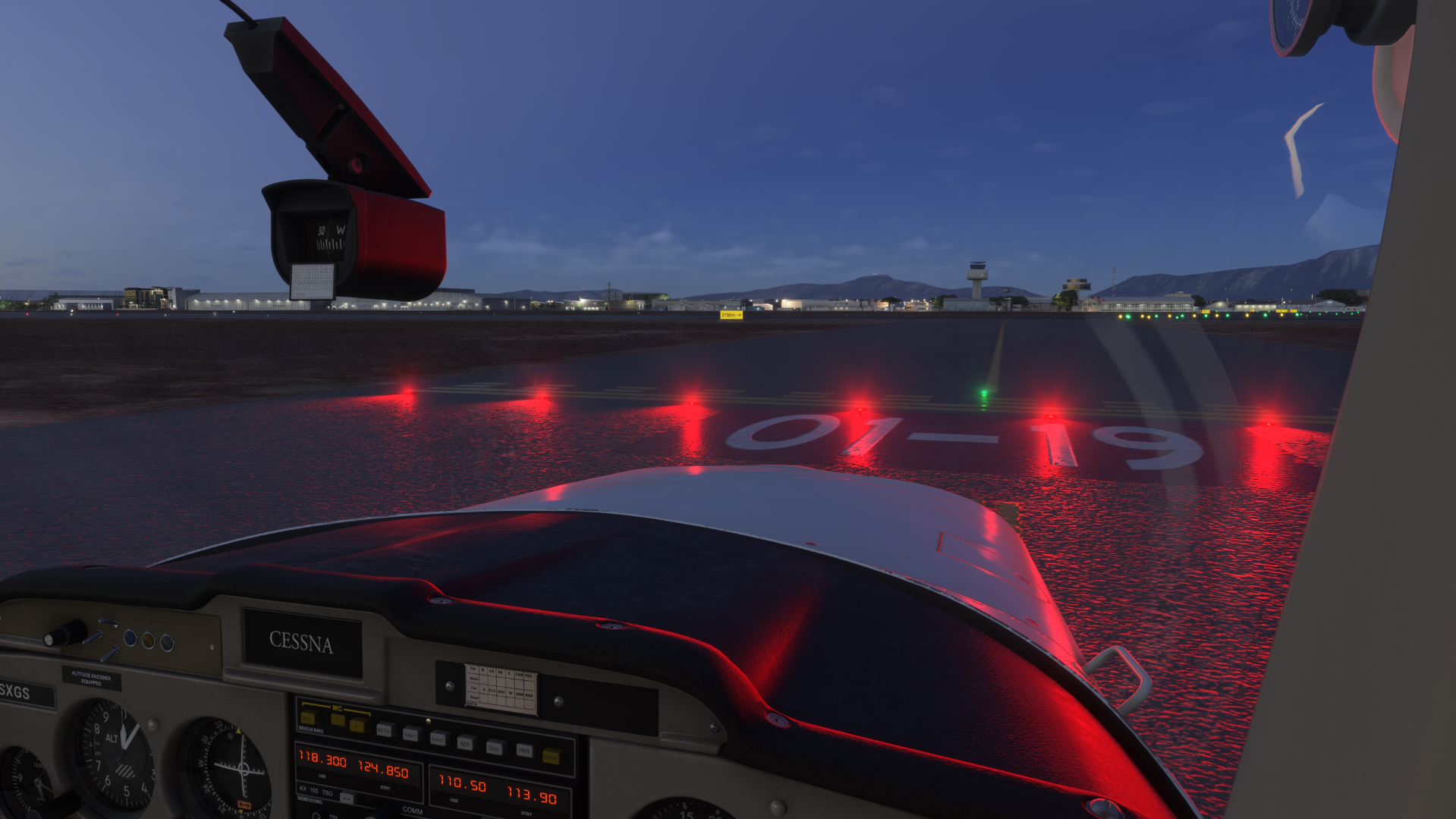
Bar cleared: the bar is dark.